
Turn any picture into a bead pattern
Drop in a photo, pick your bead colors and watch it pop into a pattern. Then spin it around in 3D — and even see how it looks after ironing!
Or drop one anywhere on this page —start from a blank board
No picture handy? Try one of ours:


- Free, no sign-up
- Your pictures stay on your device
- Real colours from 6 bead brands
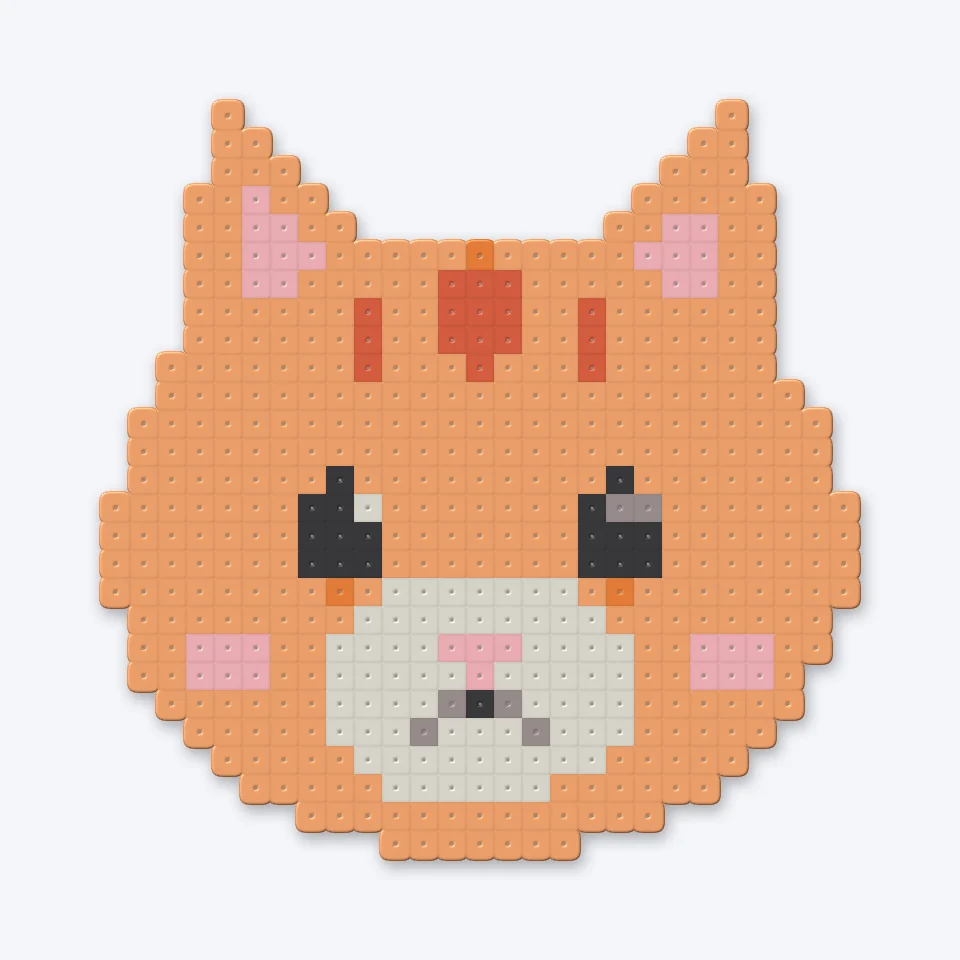
 PatternIroned
 Your picture
What do you want to make?
Start from a photo, or pick a studio — every one is free and opens right in your browser.
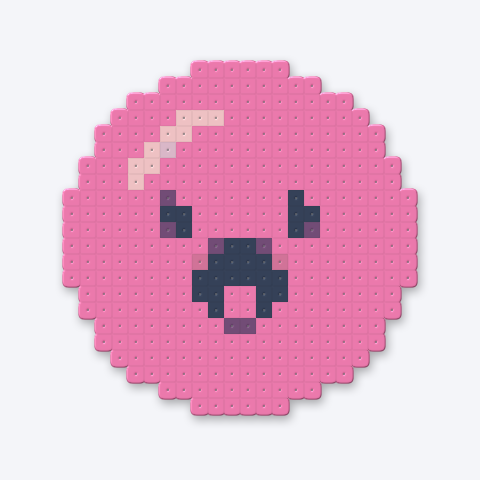
Pegboard patterns
Drop in a photo or drawing and get a chart in real bead colors, with the shopping list and a PDF to print.
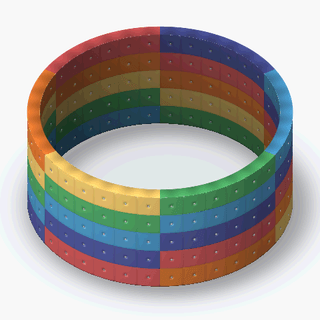
Loom bracelets
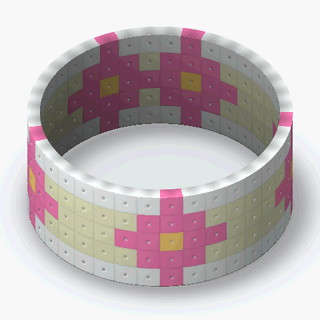
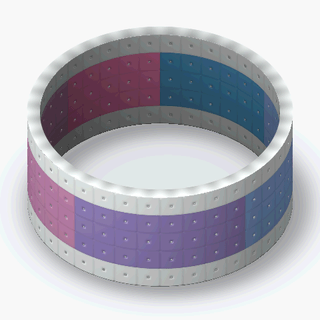
Paint a strip bead by bead and watch it curl into a 3D bracelet. Iron it, size it, try it on.
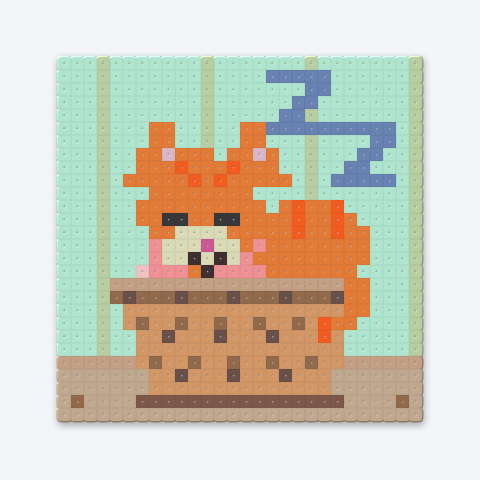
Animations
Draw frame by frame or drop in a GIF. Get an animated GIF plus a chart for every frame.
Flat pieces
- Make a patternPhoto or drawing to a bead chart
- Text bannersType words, get a long bead sign
- Desk standsA figure on a name plate, clipped on a stand
- Coaster setsOne mandala, four matching coasters
- Bead puzzlesA picture cut into pieces that lock together
- Photo framesA border sized to your photo, with a stand
- Pixel avatarsBuild a little bead you from parts
Wear & carry
What people are making
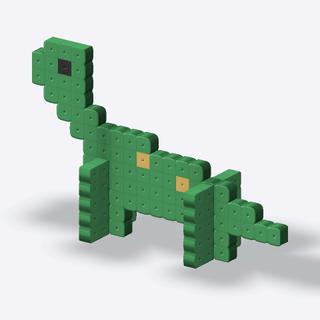
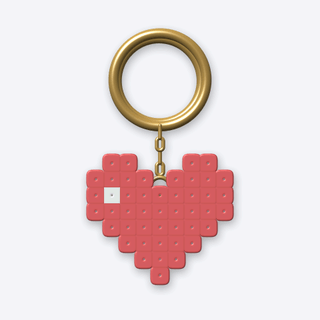
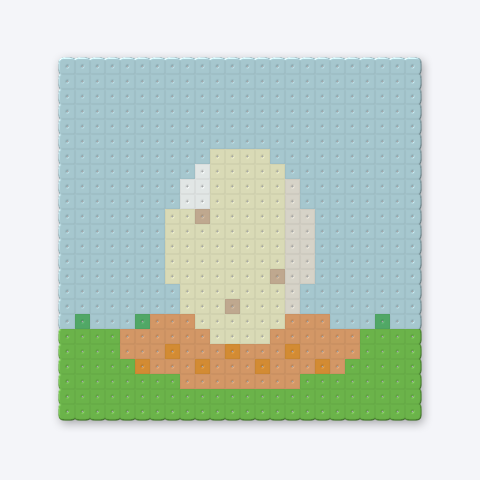
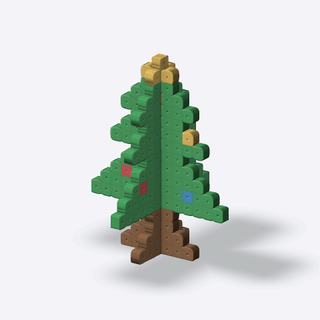
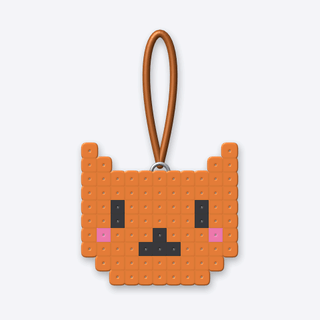
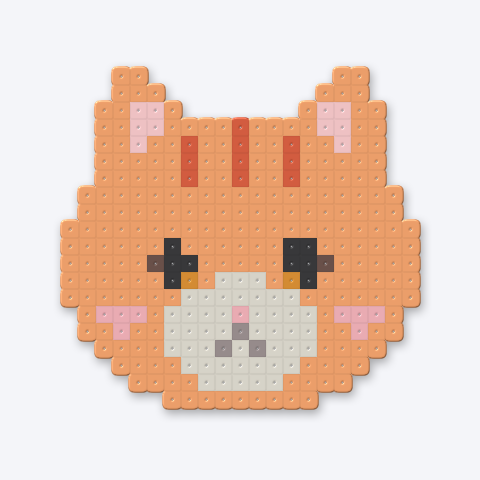
72 pieces shared so far. Open any one to spin it in 3D, print its chart or make it your own.
How it works
- 01

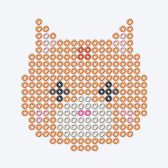
Drop a picture
Photos, doodles, pixel art — anything works. We'll shrink it down to bead size.
- 02
Make it yours
Choose the size and colors, then fix any bead with the pencil, bucket and eyedropper.
- 03
Preview & print
Check it in 3D, then download a PDF chart with a shopping list of every bead.
Why crafters love BeadPop
Smart color matching
Colors are matched the way your eyes see them, not just by numbers, so skin tones and pastels stay pretty.
Pegboard-aware grid
A board line every 29 beads lets big projects split neatly across standard square pegboards.
Iron preview
Slide the iron to watch beads melt together before you heat a single one.
Private by default
Your picture never leaves your device. Nothing is uploaded unless you choose to share.
Questions & answers
Is BeadPop really free?
Yes! Making, editing, 3D previews and downloads are all free. No account needed.
Which beads does it work with?
Any 5 mm (midi) fuse beads on a standard 29 × 29 pegboard. Pick Perler, Hama or Artkal and your pattern uses that brand’s real colors and codes, so the shopping list matches the beads in the shop.
Is my photo uploaded anywhere?
No. Pictures are converted right inside your browser. Only patterns you decide to share to the gallery are saved on our server.
How do I iron my beads?
Cover them with ironing paper, use medium heat and move the iron in slow circles for 10–20 seconds. Our ironing guide has all the little tricks.
Ready to make your first one?
One picture and a few minutes is all it takes to get a chart you can bead tonight.